

Your fleet.In a new light.
Vision checks each van's morning photos against its last clear set and puts any possible new damage in front of your manager, with the driver who had the van.
Now in early access: we switch Vision on for each DSP.
Manager review
Added to damage record.
Driver context from assignment history
Guided capture
Four sides, inside the outline.
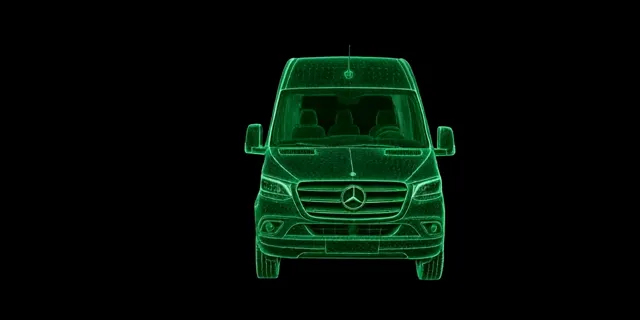
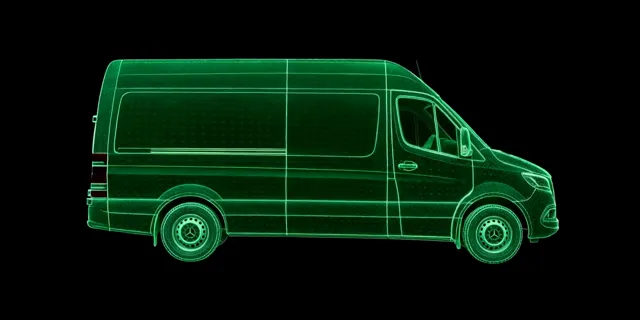
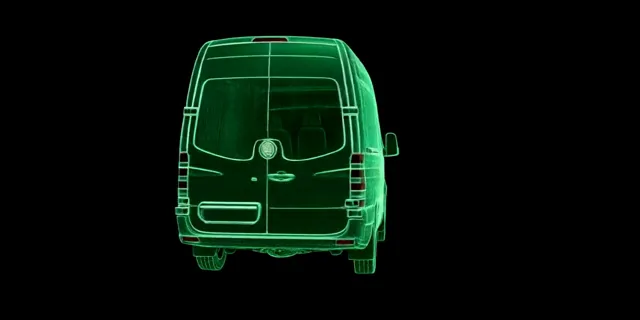
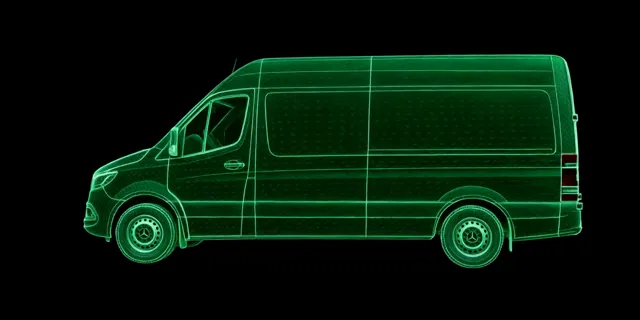
Front, back, left and right
Photo check
Front: clear
1 of 4 angles captured
- Front, captured
- Right side
- Back
- Left side
One inspection, wired into everything you already run.
Vision is not another app for drivers to learn. It runs on the van inspection they already do in DSPilot, and its answers land where your damage, vans and drivers already live.
01
Capture
Front, back, left and right, each framed inside the van outline. A bad photo gets a retake tip while the driver is still at the van.
02
Compare
Each side is compared with that van's last clear photo of the same side. Two separate AI models must both see a change, then a close-up check looks again.
03
Review
Results arrive later the same day. Your manager adds the damage to the record, marks it already recorded, or dismisses it.
Four photos, framed the same way every time.
A van outline sits over the camera, so every front, back and side shot lines up with the last one. A live check catches a bad photo before the driver walks away.
- The same four photos as today's inspection: front, back, left and right.
- Glare, too dark, blurry, the wrong side or not fully in frame: the driver sees why, gets one specific tip and retakes just that side.
- No Submit button. The inspection sends itself once every side has a good photo.
- No signal at the yard? Photos wait in the outbox and are checked once they upload.
- Drivers never see damage flags. Those go to managers only.
AI flags it. Your manager decides.
Possible new damage waits in a To review queue in the Damage Tracker. Each flag shows the before and after photos with the spot boxed, the panel, and the driver who had the van in between.
- Three answers: Add to damage record, Already recorded, or Not damage.
- Add to damage record opens Log damage, already filled in.
- When the earlier photo is too unclear to compare, the flag says so instead of guessing.
- Assignment history shows who had the van. It is context for the conversation, not proof of fault.
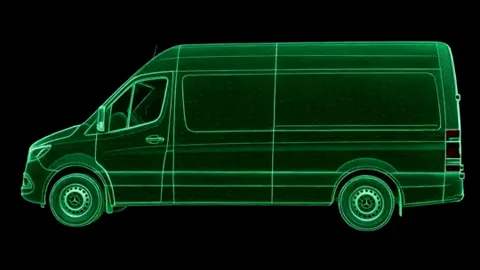
Confirmed damage joins the van's record.
The damage record DSPilot already keeps: the panel on the Sprinter diagram, photos, the responsible driver and the repair cost, with views by van and by driver.
- Every flag and every answer is kept in the AI flags tab, filtered by van, driver and answer.
- Repeat offenders surface on the driver, from the same records your office already logs.
- One place for damage: Vision's confirmed flags sit beside fleet check reports and the damage you log yourself.
Built around the people who use it.
What drivers, the check and your managers each get. Every item is part of the early-access build.
In the driver app
- Guided capture
- A van outline over the live camera for each side.
- Live photo check
- Glare, dark or blurry photos, the wrong side or a van out of frame get a retake tip.
- Sends itself
- No Submit button: the inspection goes once every side has a good photo.
- Works offline
- Photos queue in the outbox and are checked after upload.
The check
- Last clear photo
- Each side is compared with that van's last clear photo of the same side.
- Two models agree
- A flag needs two separate AI models to see the change, then a close-up check.
- First check of the day
- Runs on each van's morning inspection, with results later the same day.
- Honest about doubt
- Flags say when the earlier photo was too unclear to compare.
For your managers
- To review queue
- Possible new damage in the Damage Tracker, with a count badge.
- Before and after
- Both photos, the spot boxed, the panel named.
- Driver context
- The driver who had the van in between, from assignment history.
- AI flags
- Every flag and answer in its own tab, filtered by van, driver and answer.
Your switch. Off until you switch it on in Settings, under Van inspections.
Your data. Photos go to our AI providers with data collection switched off, and are listed in our privacy policy.
Bring Vision to your fleet.
Vision is in early access, switched on DSP by DSP. Tell us about your fleet and we will set it up with you.
Early access: Vision is switched on for each DSP individually.